If you use a torrent client, you probably already know that a Virtual Private Network (VPN) is essential for protecting your privacy. A VPN hides your real IP address and encrypts your internet traffic, keeping your online activity secure from prying eyes.
But what happens if your VPN connection drops unexpectedly?
Even a momentary blip can expose your real IP address to the torrent swarm and your Internet Service Provider (ISP). This is where a crucial but often overlooked feature comes in: VPN interface binding.
Here is everything you need to know about what VPN interface binding is, why it matters, and how it keeps your data safe.
What is a Network Interface?
To understand interface binding, it helps to understand how your computer connects to the internet.
Think of a “network interface” as a doorway. Your computer has several doors to the internet: your Wi-Fi adapter is one door, and your Ethernet cable port is another.
When you turn on a VPN, the VPN software creates a brand-new, secure, virtual doorway (a virtual network adapter). When the VPN is active, your computer routes its internet traffic through this secure, encrypted door.
What is VPN Interface Binding?
Normally, an app on your computer will use whatever “doorway” is currently open and connected to the internet. If the secure VPN door suddenly closes, most apps will automatically walk through the standard, unencrypted Wi-Fi door instead.
VPN Interface Binding is a setting inside your torrent client (like BitTorrent, qBittorrent, or uTorrent) that forces the software to only use the VPN’s specific doorway.
You are effectively telling your torrent client: “You are only allowed to connect to the internet through the VPN network adapter. If that adapter is not available, you are not allowed to connect at all.”
Why Interface Binding Matters for Torrenting
If you want true peace of mind while downloading or sharing files, interface binding is non-negotiable. Here is why:
1 – Failsafe Protection Against IP Leaks: VPN connections can drop for a variety of reasons—software updates, server reboots, or temporary internet hiccups. If your torrent client is bound to the VPN interface, the moment the VPN drops, all torrenting activity stops instantly. Your real IP address is never exposed.
2 – More Reliable Than a Standard Kill Switch: Many VPNs come with a “kill switch” that cuts off your entire internet connection if the VPN drops. While great, kill switches rely on the VPN software recognizing the drop and acting quickly. Interface binding happens at the core level of the torrent client itself, making it a nearly foolproof, structural blockade against leaks.
3 – Set It and Forget It: Once you select your VPN’s network adapter in your torrent client’s advanced settings, you don’t have to worry about it again. If you accidentally open your torrent client before turning on your VPN, the client simply won’t be able to download or upload anything.
How PC Matic VPN Fits Into the Picture
To use interface binding, you first need a reliable VPN to create that secure “doorway.” This is where a service like PC Matic VPN comes into play.
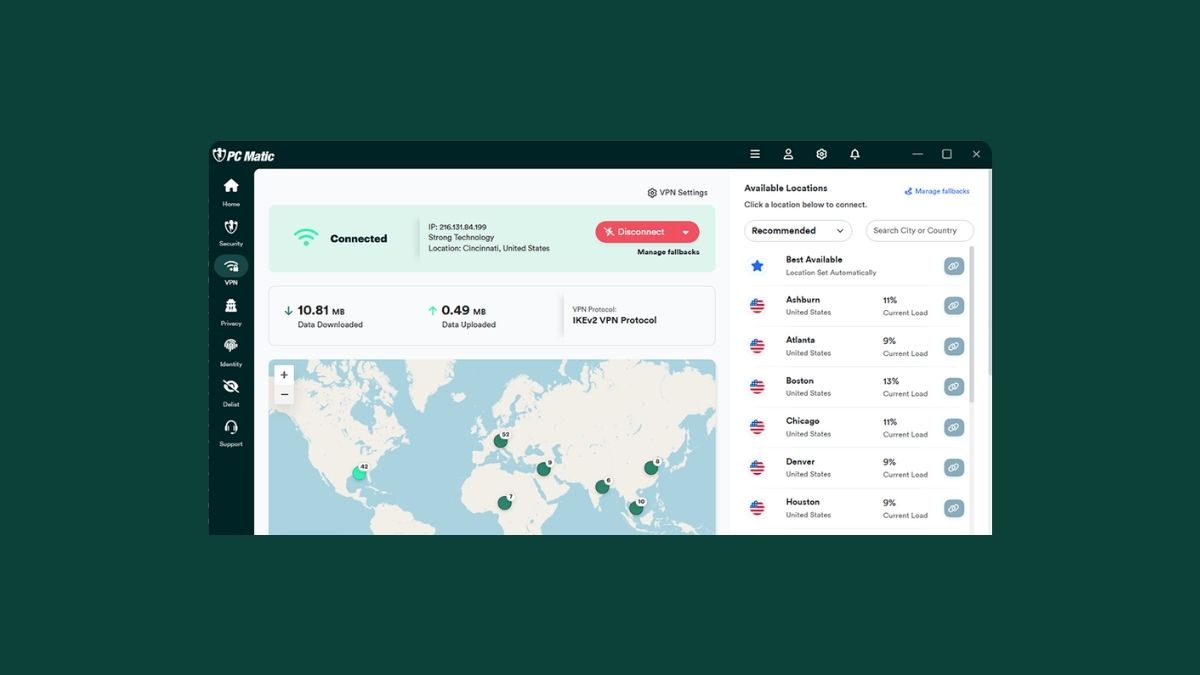
PC Matic VPN is designed to provide the encrypted tunnel necessary to keep your online activities private. When you connect to a PC Matic VPN server, it masks your real IP address and secures your data stream. By generating this secure virtual network interface on your device, you provide the exact adapter your torrent client needs to bind to.
Using a privacy-focused VPN alongside your torrent client’s interface binding setting ensures that your digital footprint remains secure, your identity stays hidden, and your internet traffic is protected, even if your connection experiences a sudden drop.