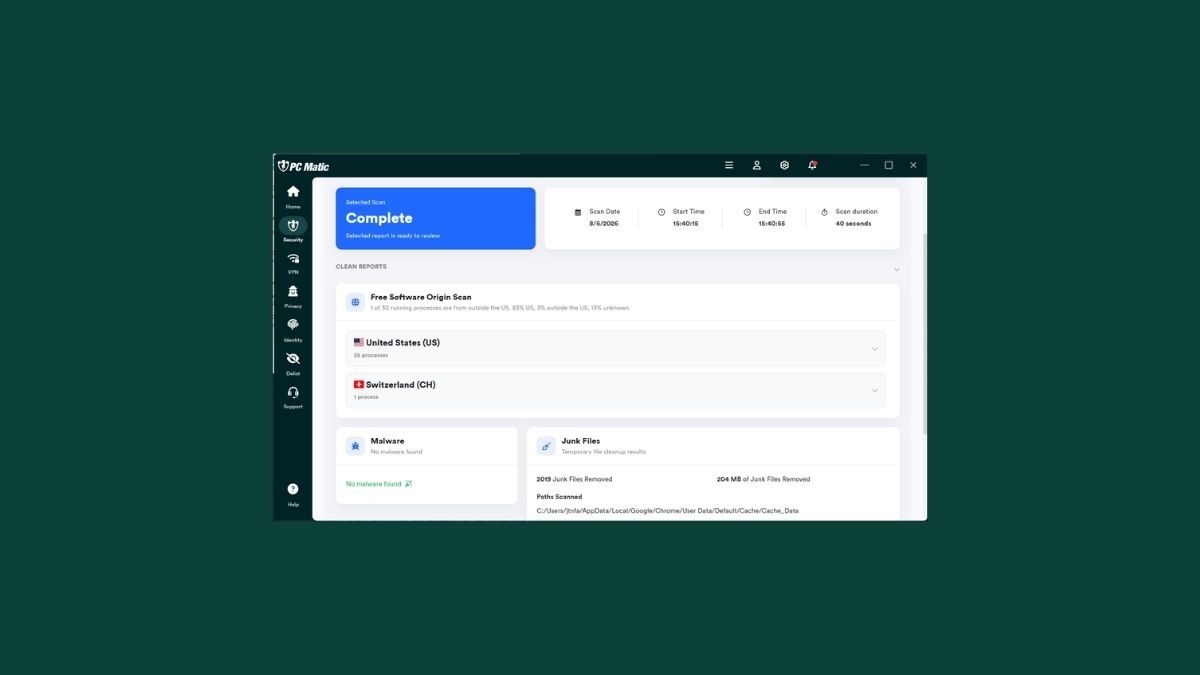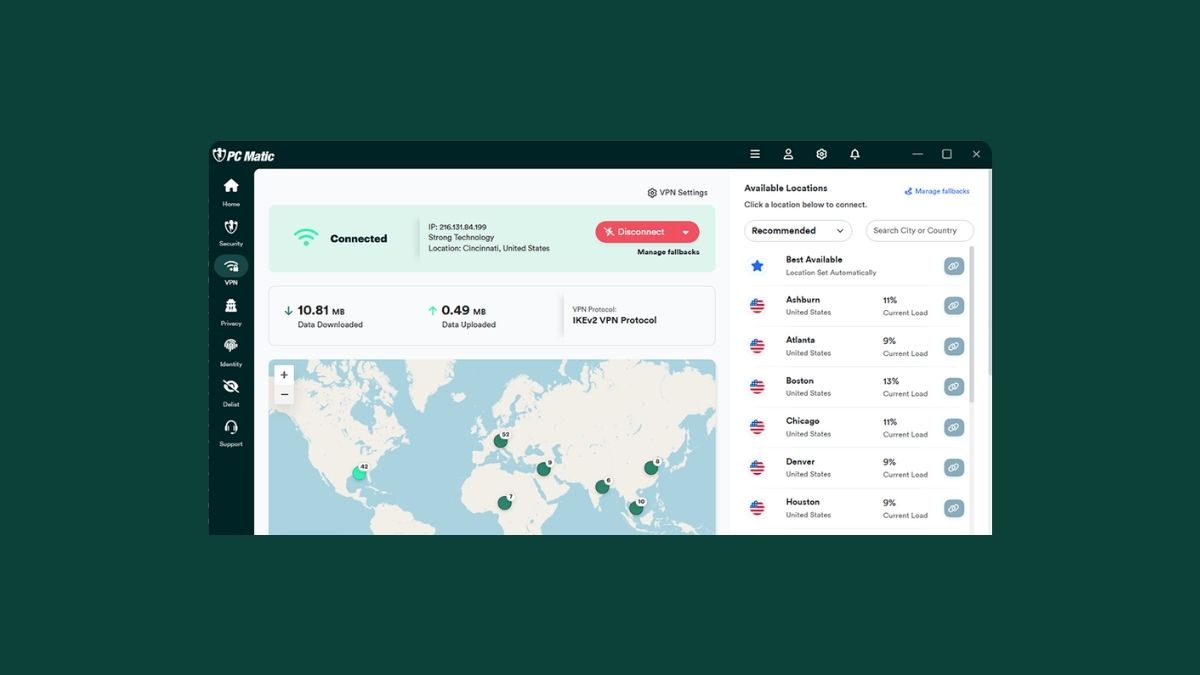

If you’ve already upgraded to PC Matic v6, you’ve likely noticed the clean new look of the integrated UI. But have you explored all of the free features built right into the app?
If you have Windows 10 or 11, you now have access to a full suite of premium privacy, security, and optimization tools, included completely free with your upgrade.
Here are 5 powerful tools you should start using today:
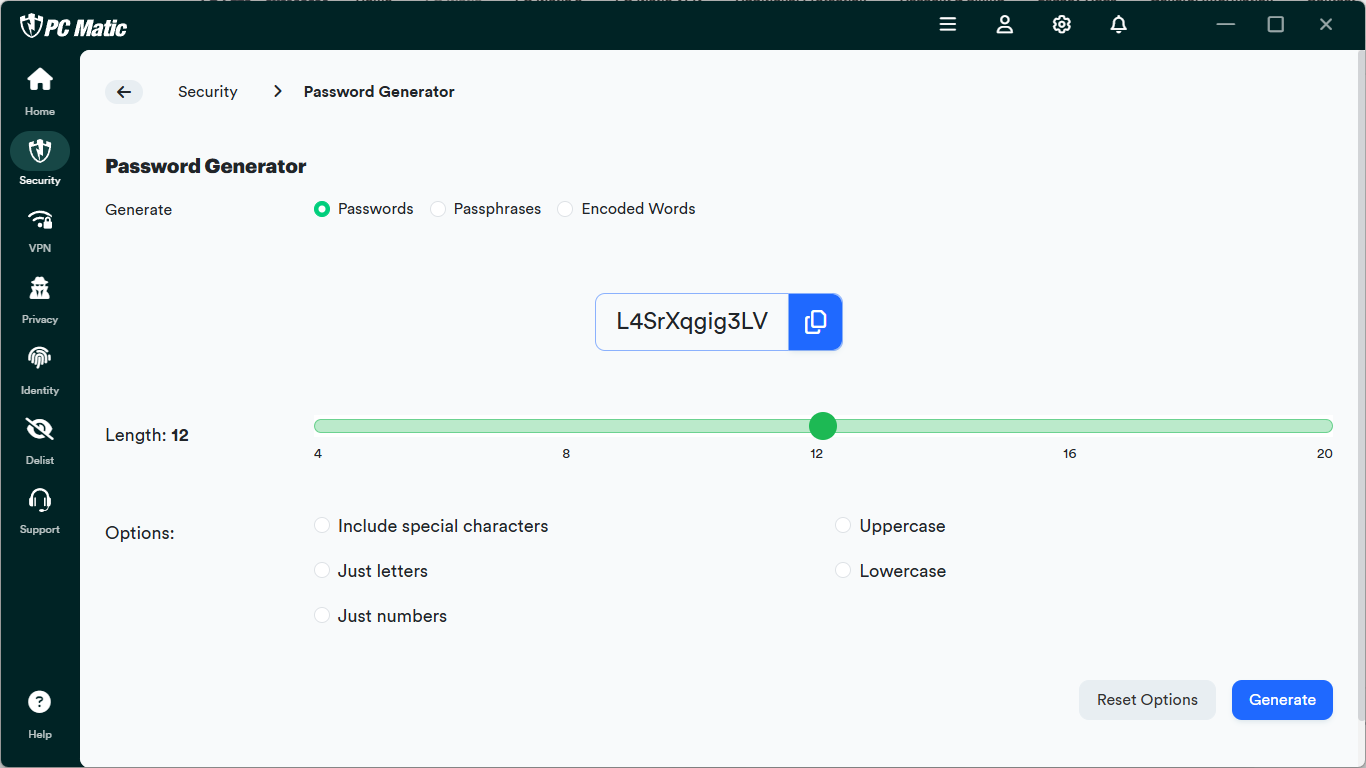
1 – The Password Generator
Stop reusing weak or predictable passwords. Generate unbreakable, encrypted keys directly within the app so hackers don’t stand a chance.
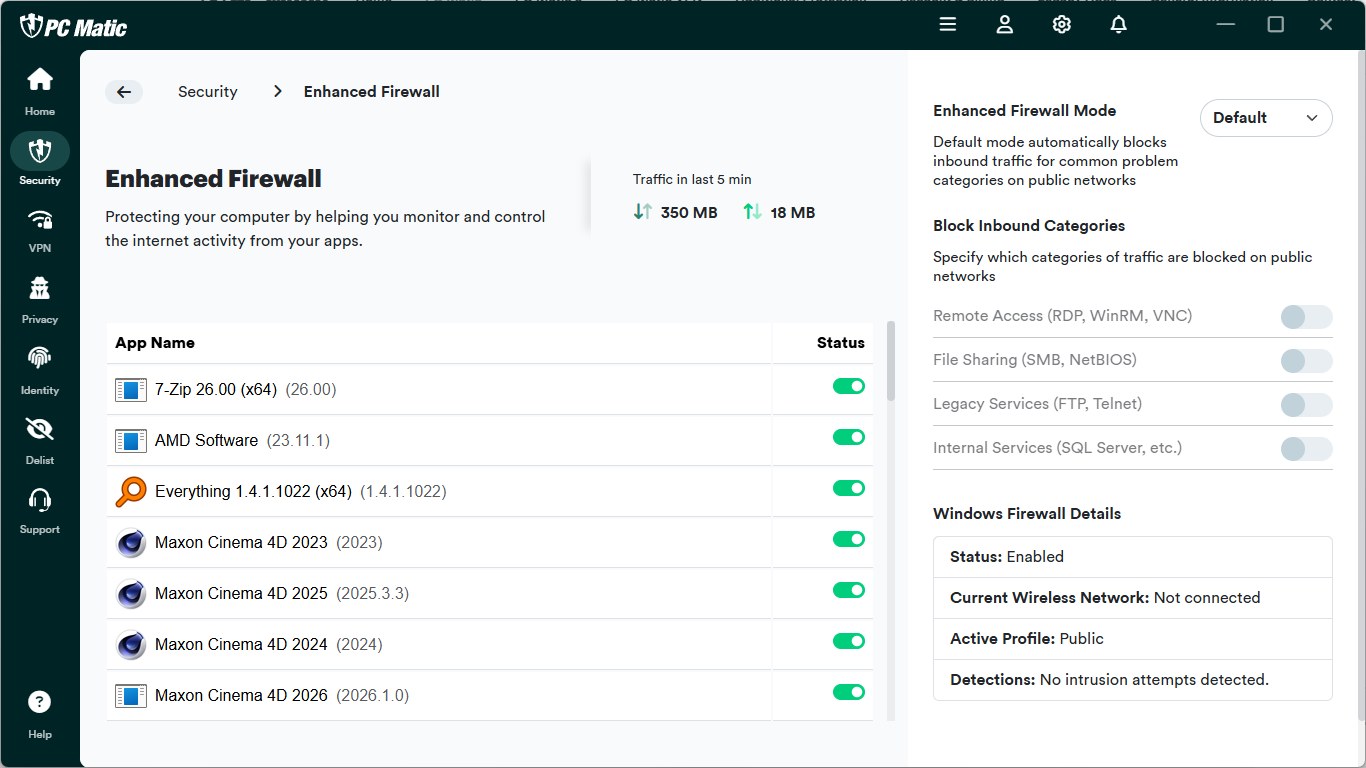
2 – Enhanced Firewall
Take total control of your internet connection. This feature gives you manual, granular control to decide exactly which apps are allowed to talk to the web and which ones get blocked.
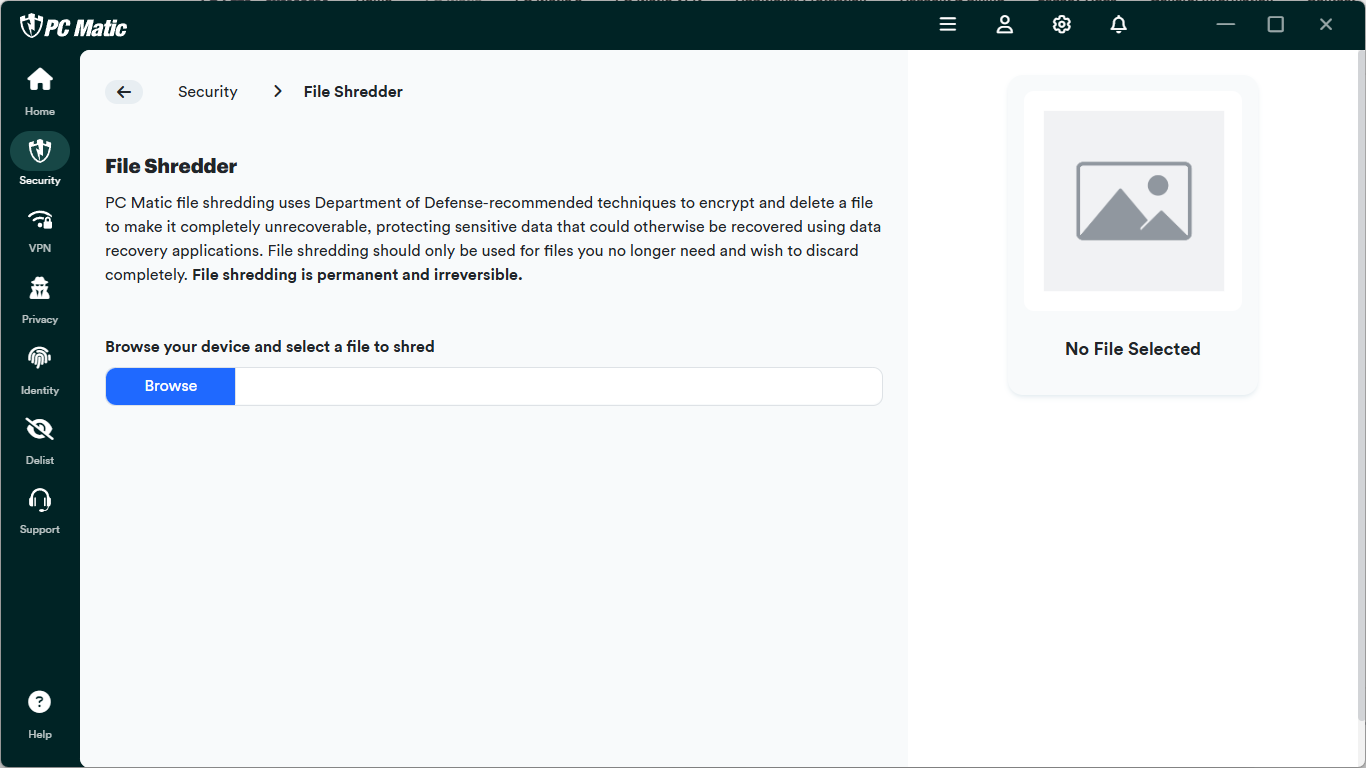
3 – File Shredder
Deleting a file normally doesn’t mean it’s truly gone. Use the File Shredder to securely wipe sensitive documents, tax forms, or private data so they can never be recovered by anyone.
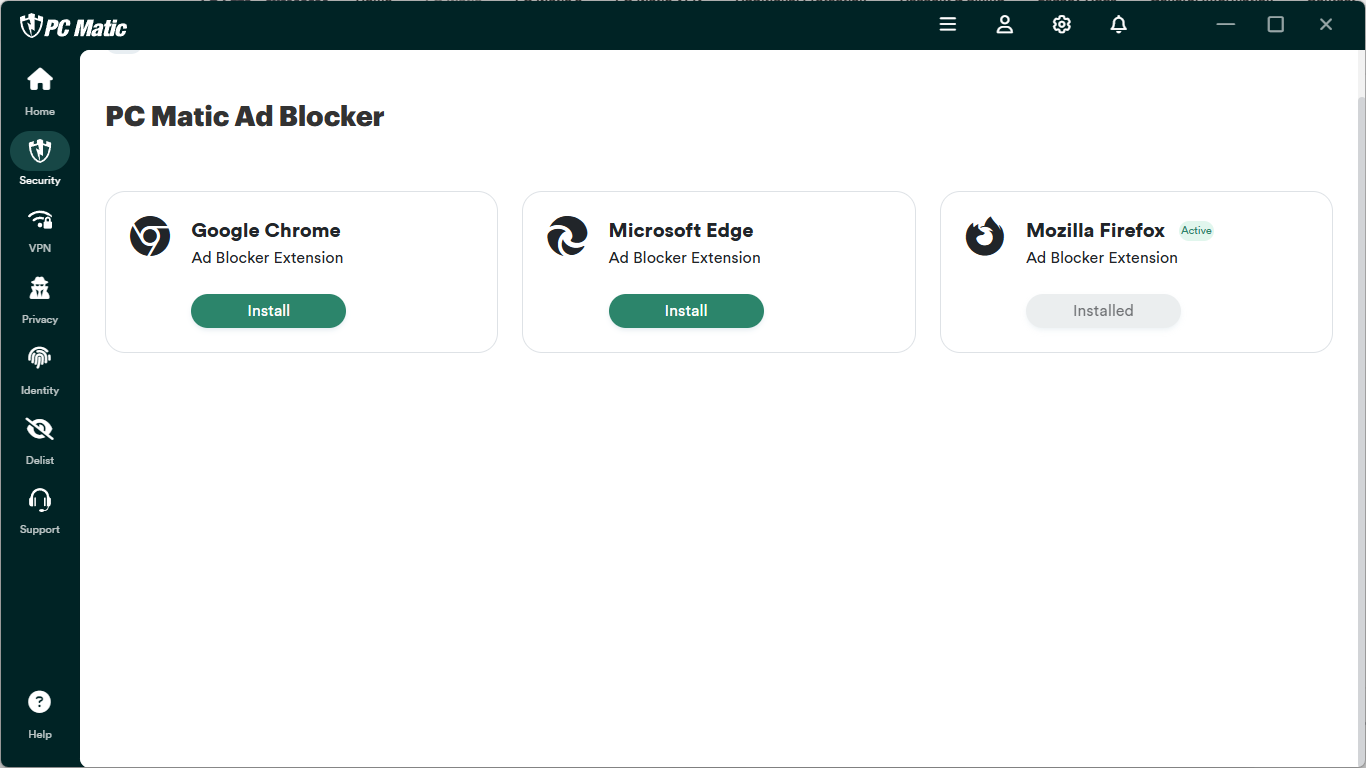
4 – Browser Protection
Go way beyond basic ad-blocking. This tool cleans up your browsing experience by stripping out intrusive, tracking-heavy ads and stopping malicious “fake virus” pop-ups before they can trick you.
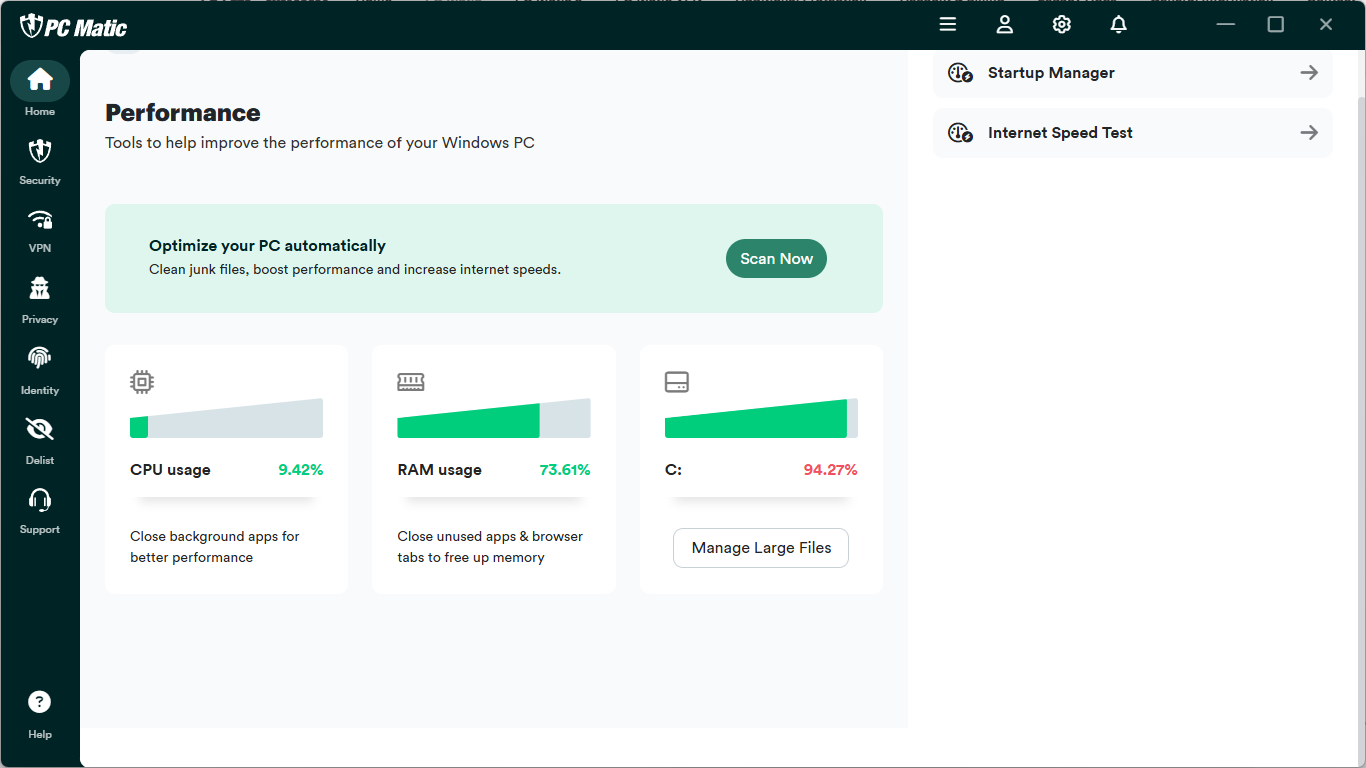
5 – Performance Optimization
Keep your PC running like day one. Flip over to the Performance tab to clean junk files, boost performance, and increase internet speeds.
Don’t leave these tools on the shelf. Upgrade to v6 today to unlock your PC’s full potential.
Choose your operating system and upgrade now: https://knowledgebase.pcmatic.com/article/34-add-a-device