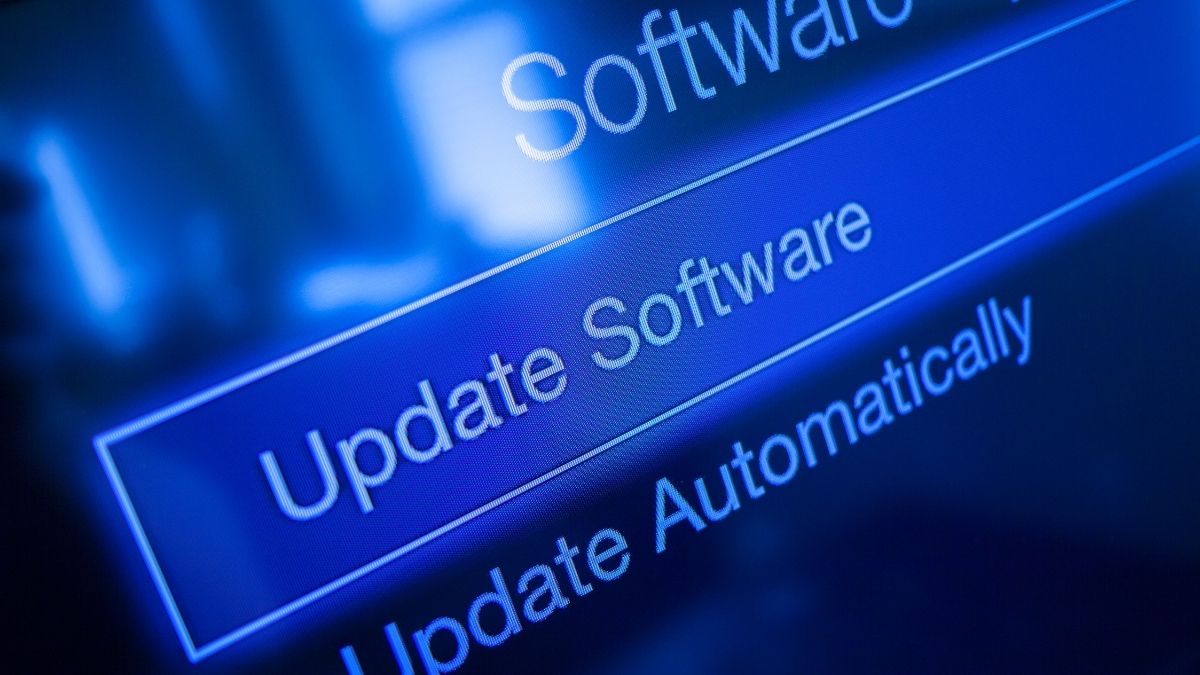
Every year, thousands of cyberattacks succeed for one simple reason: people don’t update their software. Outdated programs, old drivers, and unsupported operating systems are among the easiest ways for hackers to infiltrate a device.
If you’re running software that hasn’t been updated in months (or years), your computer could already be vulnerable. Here’s why software updates are critical — and how tools like PC Matic Antivirus make staying protected effortless.
Why Outdated Software Is So Dangerous
Outdated software isn’t just inconvenient — it’s a cybersecurity risk. Every application, from your web browser to your printer driver, is made of code. And when developers find a flaw in that code, they release a software update or security patch to fix it.
If you don’t install that update, the vulnerability stays open, and hackers know it. Cybercriminals use automated tools to scan the internet for unpatched systems, exploiting the same weaknesses over and over again.
In fact, cybersecurity studies show that more than 60% of breaches involve vulnerabilities that already had a patch available. Hackers don’t need sophisticated new exploits when users simply skip updates.
Common Software That Hackers Exploit
Attackers target the programs most people rely on daily, especially those that connect to the internet. Examples include:
- Operating systems: Outdated versions of Windows, macOS, or Linux
- Web browsers: Chrome, Edge, Firefox, Safari
- Office and productivity tools: Microsoft Office, Adobe Acrobat, Zoom
- Device drivers and plugins: Video cards, printers, and other peripherals
Each of these components plays a role in your system’s overall security. Even one outdated app can open a backdoor to malware, spyware, or ransomware.
The Real Cost of Skipping Software Updates
Postponing updates may feel harmless, but the consequences can be severe. Here’s what you risk by ignoring them:
- Open vulnerabilities: Outdated software contains known weaknesses that hackers can easily exploit.
- Data breaches: Personal information like passwords, bank accounts, and emails can be stolen.
- System instability: Older software can cause crashes, slow performance, or hardware issues.
- Incompatibility: Many modern cybersecurity tools require up-to-date software to function correctly.
These threats don’t just impact personal devices — small businesses and local governments have been taken down by ransomware that entered through one outdated computer.
Why Automatic Updates Are the Best Defense
Staying on top of every software patch manually is nearly impossible. Most people forget, postpone, or simply don’t notice when updates are available. That’s why automatic software updates are one of the smartest cybersecurity habits you can adopt.
PC Matic Antivirus eliminates the guesswork by automatically updating vulnerable software and device drivers. While other antivirus programs only detect threats after they appear, PC Matic uses proactive protection to block attacks before they start.
Benefits of automatic updates with PC Matic:
- Vulnerabilities are patched as soon as updates are released
- Drivers and applications stay optimized for performance and security
- You avoid update reminders and downtime
- Your devices stay compliant with the latest cybersecurity standards
Automatic patch management isn’t just convenient — it’s essential protection against modern threats.
5 Tips to Stay Protected from Software Vulnerabilities
- Enable automatic updates on your operating system and major applications.
- Use a trusted antivirus with built-in patch management, like PC Matic Antivirus.
- Uninstall outdated or unsupported software that no longer receives updates.
- Restart your computer regularly so pending updates can install completely.
- Scan your system weekly to ensure your software, drivers, and browsers are current.
These small habits can drastically reduce your risk of malware, phishing, and ransomware.
How PC Matic Protects You Automatically
PC Matic’s all-in-one protection goes beyond traditional antivirus. Its default-deny allowlisting approach blocks unknown programs from running, while its automated patch management keeps your apps and drivers secure behind the scenes.
By combining malware prevention, automatic updates, and system optimization, PC Matic helps you stay safe without sacrificing speed or performance.
Whether you’re protecting a family computer, a small business network, or an entire organization, PC Matic’s Made in America cybersecurity keeps your systems locked down against evolving threats.
Stay Ahead of Hackers — Keep Your Software Updated
Cybercriminals rely on one thing: users who don’t update. By keeping your software current and letting PC Matic Antivirus handle updates automatically, you close one of the biggest doors hackers use to get in.
Don’t wait for an attack to happen. Protect your devices today with automatic updates, proactive malware protection, and performance optimization — all in one.