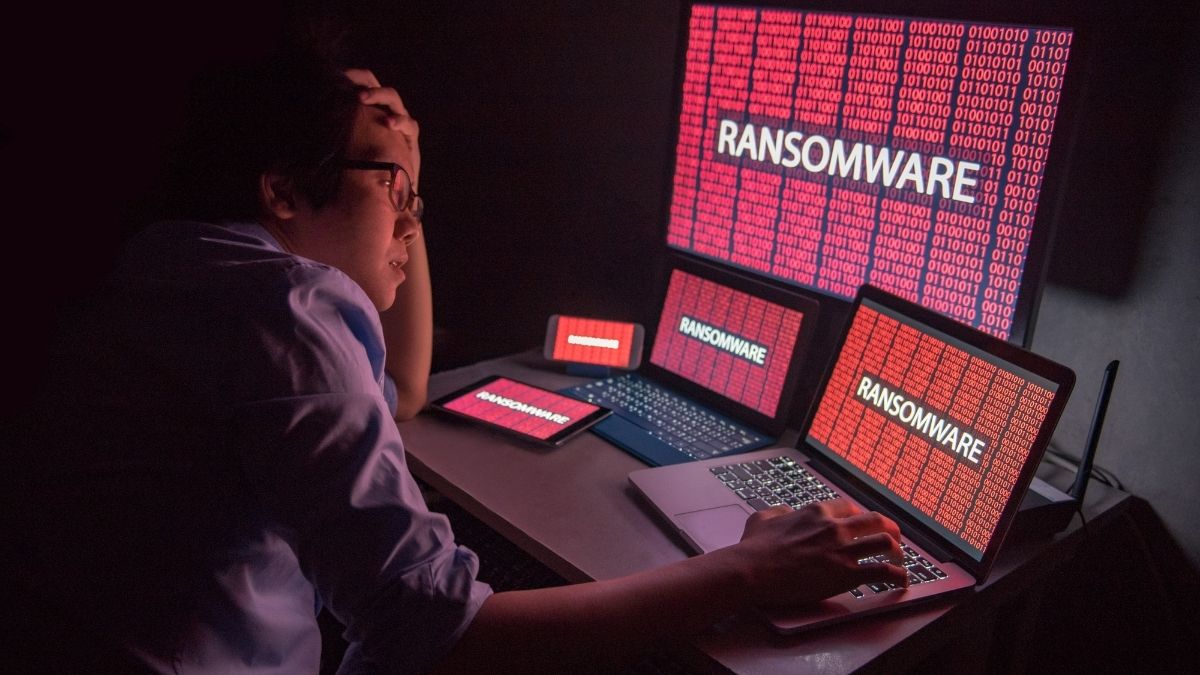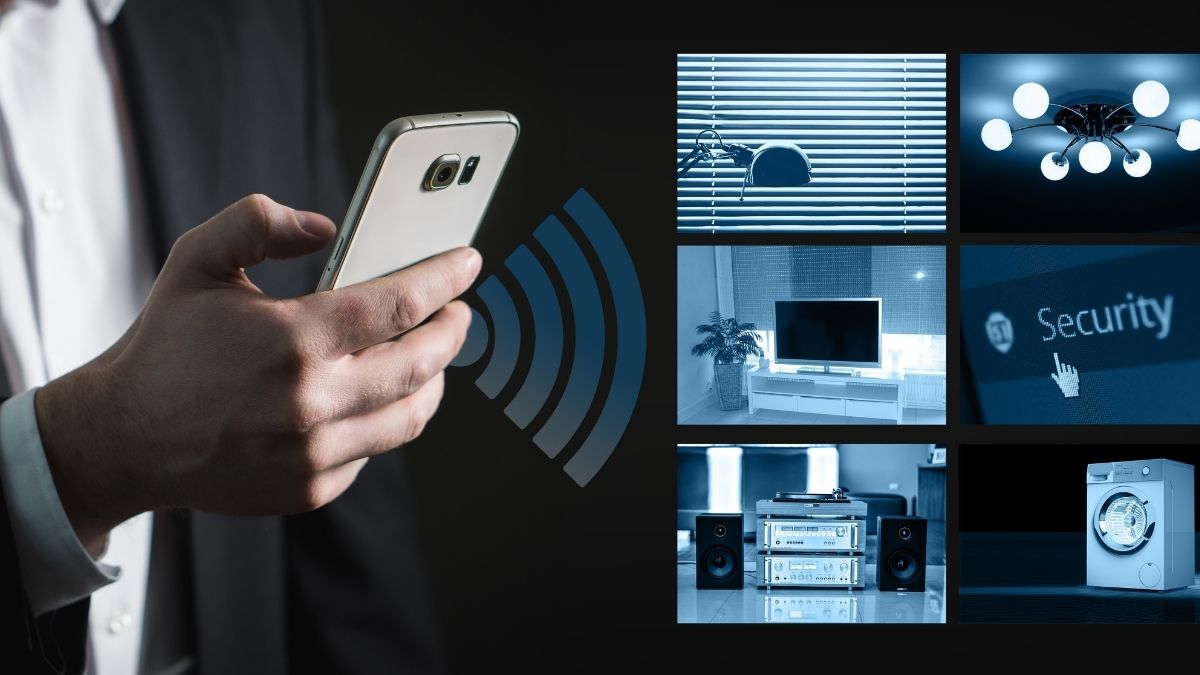
We’ve all seen them: the dirt-cheap smart plugs, budget security cameras, and discounted Wi-Fi-enabled gadgets on online marketplaces that seem too good to be true. While they promise convenience and modern home automation for a fraction of the cost, a recent investigation by The Wall Street Journal suggests they might be bringing something else into your home: a security nightmare.
The Hidden Danger: Your Devices as Pawns
According to an investigation into residential proxy software, millions of these low-cost devices are being infected with malware that turns them into silent, remote “backdoors.”
Instead of just performing their intended function, these compromised gadgets are being used to power massive, wide-reaching cyberattacks. The Digital Citizens Alliance estimates that there are roughly 20 million of these compromised devices in the U.S. alone. These devices effectively turn your home network into a launchpad for bad actors, often without the homeowner ever knowing.
Who is at Risk?
You don’t need to be a tech expert to be a target.
- The “Too Good to Be True” Shopper: If a brand-name smart camera costs $100 and you find a similar-looking one online for $15, you aren’t just paying for a “cheaper” version; you are often paying with your security.
- The Unsuspecting Consumer: Many people plug these devices in, connect them to Wi-Fi, and never think about them again. That “set it and forget it” mentality is exactly what cybercriminals rely on.
How to Protect Your Digital Front Door
You don’t have to throw away your smart home setup, but it is time to be proactive. Here is how to lock down your network:
- The “Default” Danger: Always change the default username and password for both your router and your individual devices. If you haven’t changed these since you unboxed them, do it today.
- Update or Replace: Check your device manufacturer’s website for firmware updates. If a manufacturer isn’t providing regular security updates, that device is a liability—it may be time to retire it.
- Disable Unnecessary Features: Turn off features like Universal Plug and Play (UPnP) on your router, and if you don’t need remote access to a device while you are away from home, keep that setting disabled.
The Bottom Line
Convenience shouldn’t come at the cost of your digital privacy. Before you add another “bargain” smart device to your cart, ask yourself: Is the savings worth the potential risk to your home network? When it comes to cybersecurity, the old saying remains true: You get what you pay for.