Too Many Passwords to Remember
Between your bank, email, pharmacy, and streaming services, most of us have dozens of passwords to keep straight. So we find ways to cope, like clicking “Save password” every time our web browser offers, keeping a sticky note on the monitor, or reusing the same password because it’s the only one we can remember.
These habits are completely understandable. They also make it easier than it should be for someone else to get into your accounts.
Convenient Habits Can Leave You Exposed
Saving passwords in your web browser is quick, but some malicious programs are built specifically to collect the passwords browsers store. If one reaches your device, every saved login can go with it.
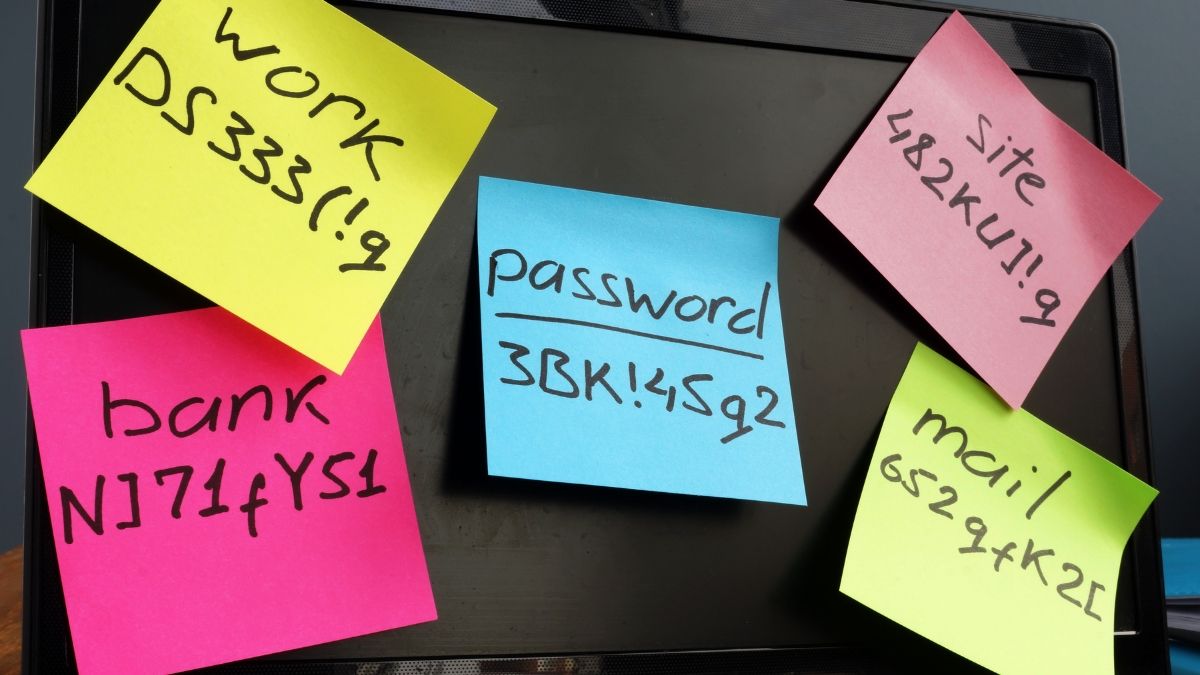
Writing passwords down has its own problem. A sticky note on the monitor or a list by the keyboard is easy for anyone in the room to see, whether that’s a visitor or someone glancing in on a video call.
Reusing the same password may be the riskiest habit of all. When a website suffers a data breach, criminals try those same email and password combinations on banks, email accounts, and shopping sites. Just one leaked password can open several doors.
The good news is that one simple change addresses all three.
Three Simple Steps to Better Password Management
- Choose a password manager. A password manager is a secure app that keeps all your passwords in one locked vault. You remember the master password, and the vault fills in the rest on your computer and phone. If you’re not sure where to start, this guide from Zapier compares several trusted options, including free ones.
- Let a password generator create your passwords. Instead of inventing passwords yourself, use a password generator to create long, random ones that are nearly impossible to guess. Save each one straight into your password manager so you never have to memorize it.
- Retire the old habits. Start by updating your most important accounts, such as email, banking, and any site that has your credit card on file. Then turn off password saving in your browser and shred any written lists. If you want a paper backup of your master password, keep it in a locked drawer or safe instead of on your desk.
A Free Password Generator From PC Matic
You can start creating stronger passwords today with PC Matic’s free download that includes a built-in password generator, along with a free malware scan and a VPN for safer browsing on public WiFi. If you already have a paid PC Matic subscription, the password generator is included there, too.
Take Back Control of Your Logins
Good password management comes down to two helpful tools and one password to remember. With a password manager keeping your logins safe and a password generator making each one strong, your accounts become much harder to break into. You’ll spend less time hunting for sticky notes and more time enjoying the peace of mind that comes from one smart change.