Password managers are trusted by millions of people to store logins, credit card details, and even two-factor codes. But researchers have recently discovered that six popular password managers have a security flaw that could let hackers trick users into giving away sensitive information.
What’s the Problem?
The issue is called “clickjacking.”
Think of it like this: imagine someone places a clear sheet over your keyboard. You think you’re pressing one button, but you’re really pressing something else hidden underneath.
In this case, attackers can use fake pop-ups (like cookie notices or CAPTCHAs) on websites. When you click them, you may actually be clicking on your password manager in the background—causing it to autofill your passwords or credit card numbers where hackers can steal them.
Which Password Managers Are Affected?
The researcher tested 11 password managers. Six were found to be at risk:
- 1Password
- Bitwarden
- Enpass
- iCloud Passwords
- LastPass
- LogMeOnce
Some others, like Dashlane, NordPass, ProtonPass, RoboForm, and Keeper, have already fixed the problem.
What You Can Do
Until fixes are rolled out, experts recommend:
- Turn off “autofill” in your password manager. Instead, copy and paste your password when logging in.
- Keep your software updated. New patches are being released.
- Be cautious with pop-ups—especially ones asking for quick clicks.
- Follow updates from your password manager’s official support channels.
Why This Matters
Password managers are still safer than writing passwords down or reusing the same ones everywhere. But like all tools, they need updates and careful use.
This discovery is a reminder to stay alert, update your apps, and make small adjustments that go a long way in keeping your information safe.
Add an Extra Layer of Protection
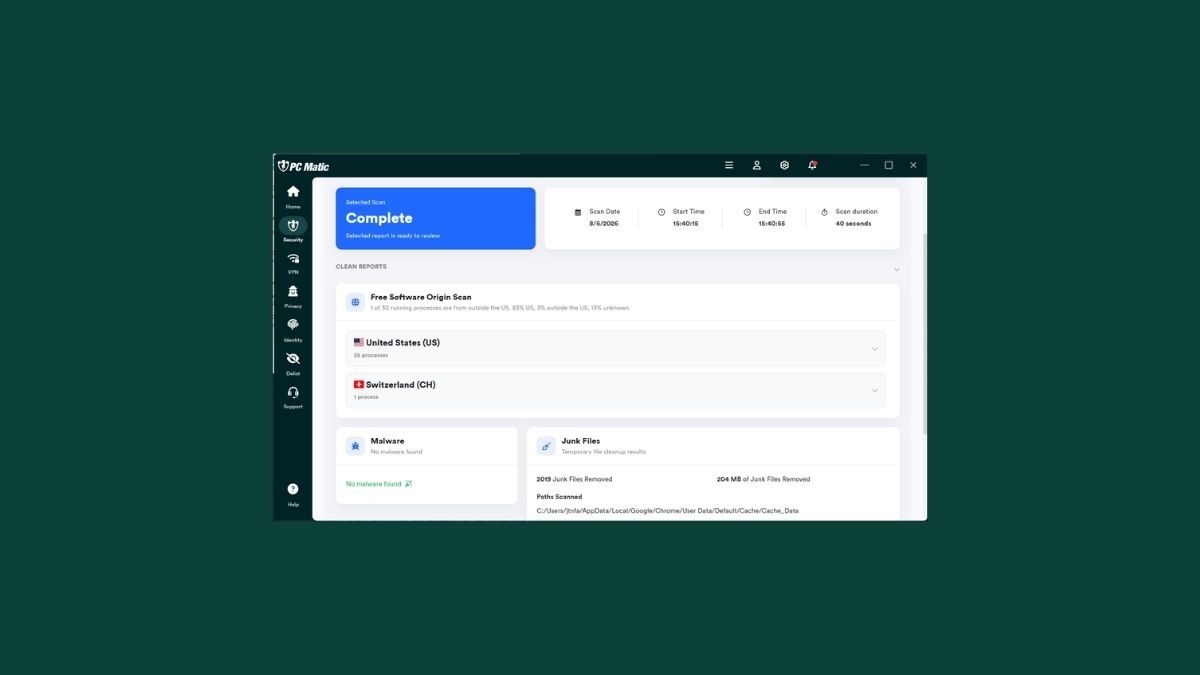
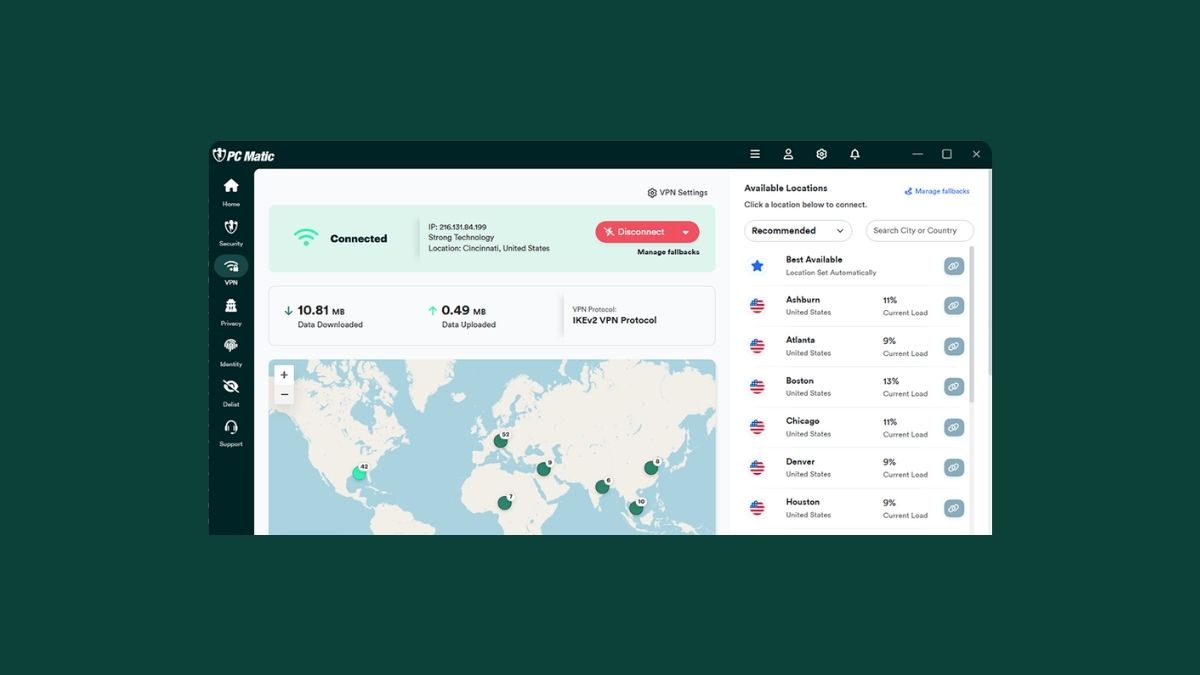
Even with a password manager, cybercriminals are always looking for new ways to break in. That’s why it’s smart to add another line of defense. PC Matic provides real-time antivirus protection, scam blocking, and a secure VPN to help keep your private information safe from online threats.
PC Matic also includes a free password generator (try it here) so you can create strong, unique passwords for every account. This reduces the risk of hackers guessing or cracking your login details, giving you extra peace of mind alongside your password manager.
Bottom Line
Your password manager hasn’t been hacked, but it could be tricked if you land on a malicious site.
Take a few minutes today to:
- Turn off autofill,
- Update your password manager, and
- Stay alert while browsing.
And for stronger protection overall, use PC Matic to block threats before they reach you—while also generating stronger, more secure passwords for all your accounts.